Santa Outside Window Photo
For kids who wonder whether Santa really landed on the roof or walked past the porch, a window sighting feels magical—and gentle, never intrusive. Upload a photo of your living-room window or glass door at night and get Santa smiling softly from the snowy night outside.
No account or subscription needed · 5 clean HD photos for $4.99 one-time
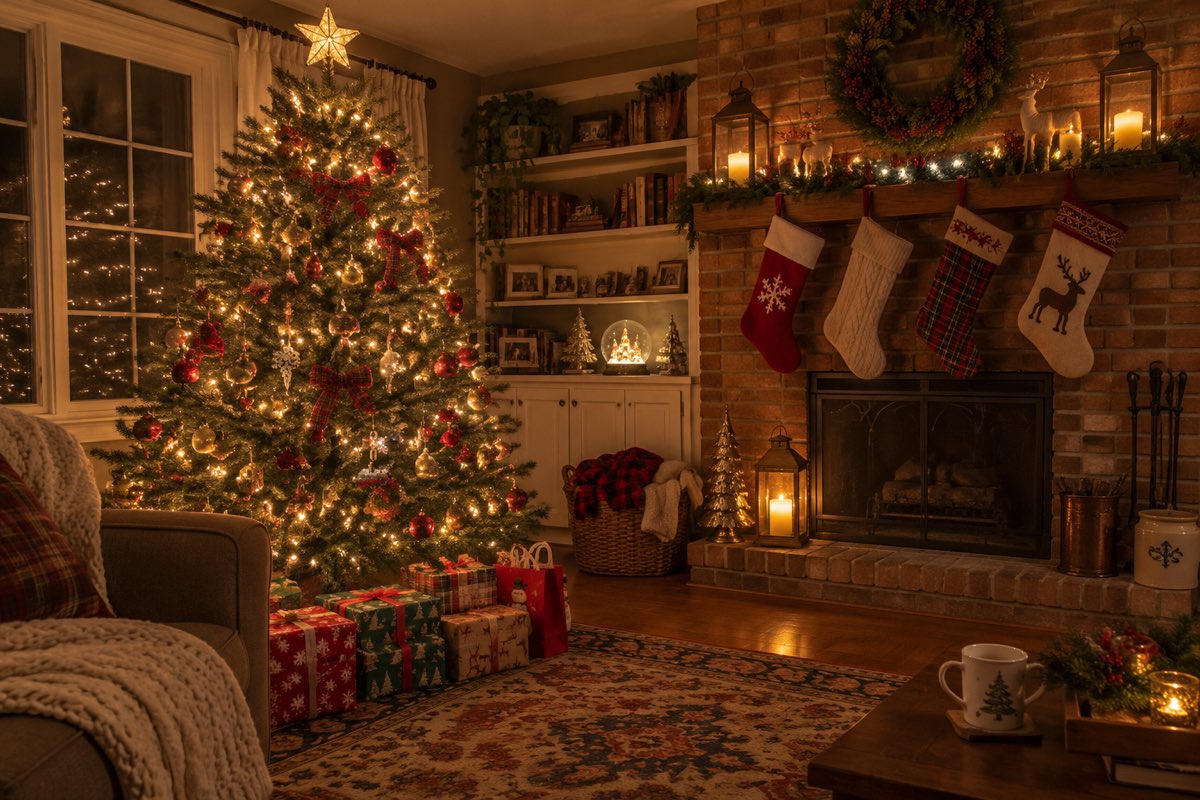
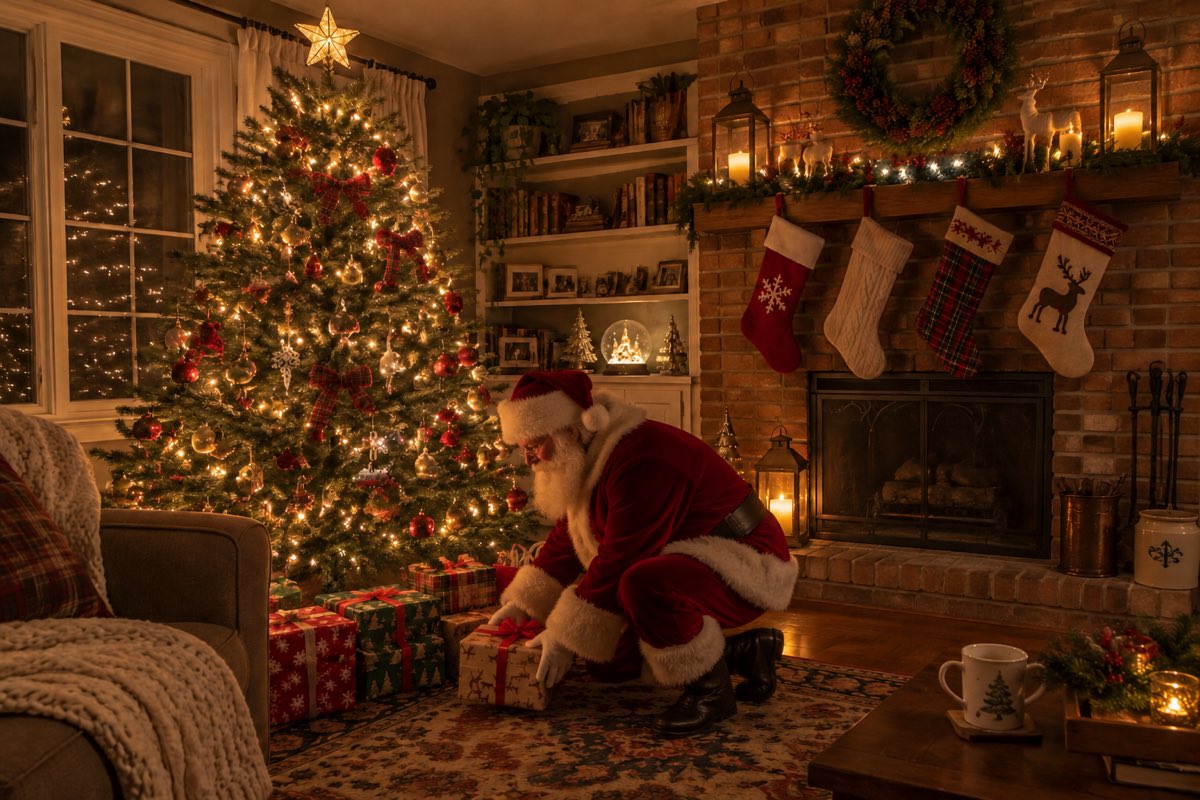
Three real before & after proofs
Make yoursEach Santa proof photo was generated from the single input photo beside it in ~60 seconds.
Every ornament, stocking, mug, pet, and family face stays untouched.
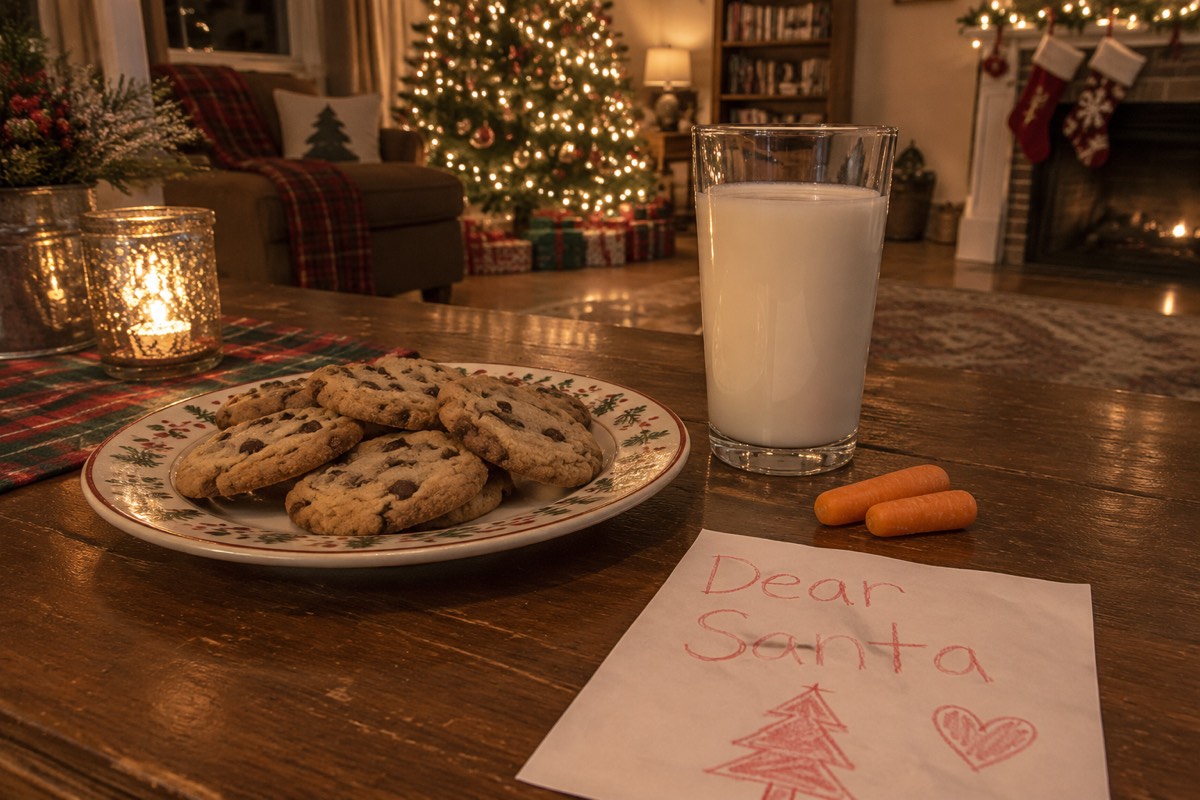
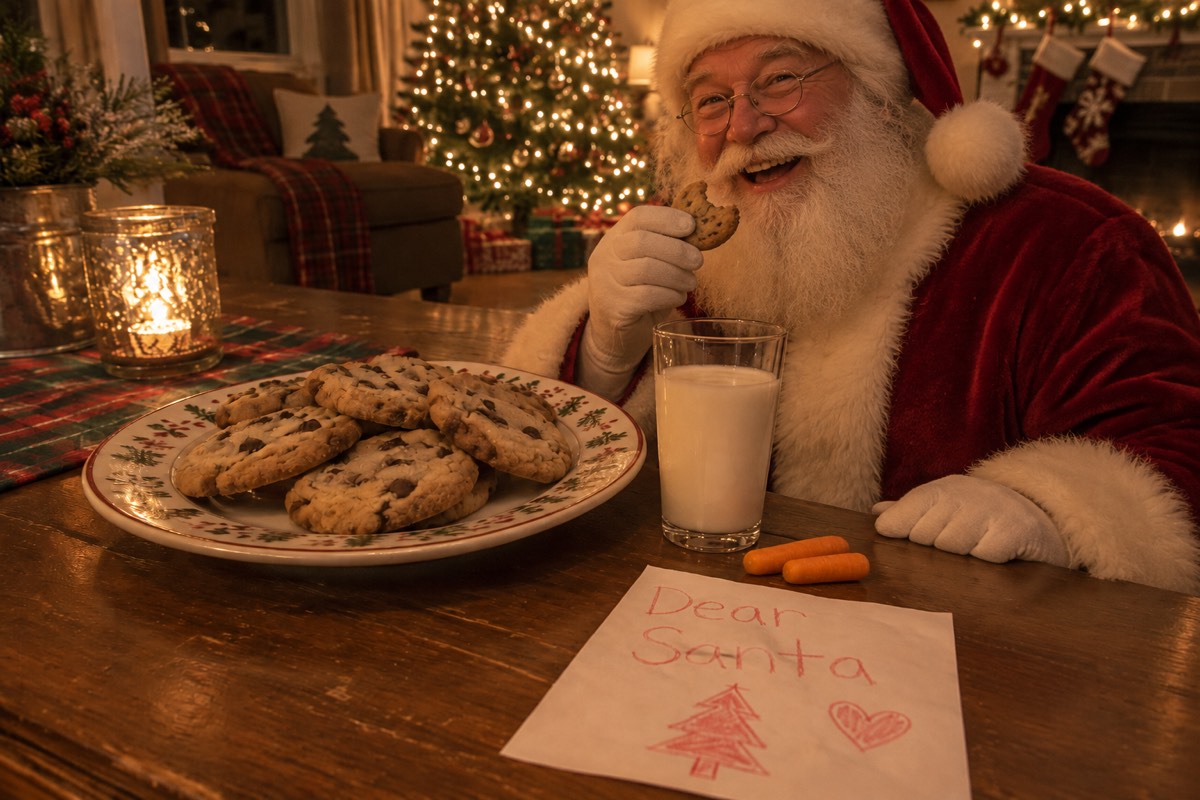

Each Santa proof photo was generated from the single input photo beside it in ~60 seconds.
Every ornament, stocking, mug, pet, and family face stays untouched.
How it works
To begin, take an evening photo of your window or glass patio door with curtains parted and bright room flash turned off.
Then, upload the photo above and click Create my photo ($4.99 one-time for 5 HD credits, no signup).
Finally, download your HD photo with Santa visible naturally behind your real window panes and reflections.
Upload 1 photo, press one button, save to your phone. Nothing to install.
Clean full-HD photo, zero watermarks, about 1 minute.
Included with every photo
5 HD photos for $4.99 once
Pay $4.99 once for 5 full-HD Santa photos—no account signup and zero recurring subscription.
Starter pack5 · $4.99Zero watermarks, full HD
Every photo downloads in crisp full-resolution HD with zero watermarks or app logos.
santa-proof-3f9a2c1e.jpg
Uploads deleted after 24 hours
Your photos are only used to make your picture. Never shown to anyone, sold or used to train AI.
- tree-before.jpgdeletes in 23 h
- cookies-before.jpgdeletes in 23 h
Your exact room & faces kept
Your tree, stockings, furniture, pets, and family faces stay exactly as photographed.
One free redo
If Santa’s scale, lighting, or a face looks off, email us and we add 1 redo credit free.
- To
- hello@addsantatophoto.com
- Subject
- Redo my photo, please
On iPhone, Android and the web
Snap your living room on iPhone or Android and save the finished proof straight to Photos.
- Photo Library
- Take Photo
- Choose File
Layered behind your actual window panes and frost
What makes a window photo tricky by hand is layering: a real person standing outside appears behind wooden mullions, blinds, sheer curtains, and faint indoor reflections on the glass.
Our window preset places Santa outside the glass rather than pasted in front of it—preserving your window grid, curtain edges, and warm interior reflections while giving Santa cool winter night rim-lighting from outdoors.
Great for shy toddlers or houses with pets
- Younger children who might feel nervous seeing a stranger inside the house love spotting Santa waving gently from the porch window.
- Homes with watchful dogs ("Why didn’t the dog bark?") have the perfect answer: you caught Santa just as he walked past the window outside!
- Works with bay windows, French glass doors, sliding patio doors, and snowy front-porch windows.
How to avoid camera flash glare on glass
- Turn your phone flash OFF before taking the window photo—flash bounces straight off glass and turns the pane white.
- Shoot at a slight 20–30 degree angle to the window rather than dead-on so your own reflection does not appear in the glass.
- Leave the Christmas tree or a small lamp on inside so the room feels warm and recognizable.
Your photos are safe with us
The home and family photos you upload are used only to generate your picture, never shown publicly, never used to train AI, and deleted automatically 24 hours after upload. Celebrity and explicit images are blocked automatically.
Questions
At night, open the blinds or curtains partway, turn off your camera flash, stand slightly to one side so you are not reflected in the glass, and snap the window with warm room or tree light nearby.
Yes. Window panes, grilles, curtains, frost, and natural glass reflections stay in front of Santa so he genuinely looks outdoors.
One-time credit packs start at $4.99 for 5 full-resolution HD Santa photos (15 photos for $9.99, or 40 photos for $19.99). One credit makes one unwatermarked HD photo, credits never expire, no account is needed, and there is never a subscription.
Never. Kids spot watermarks and corner logos immediately. Every photo generated with your credit pack is a clean, full-resolution HD image with zero watermarks, ready to show on your phone screen or print.
Yes. The photo you upload is stored privately, used only to generate your picture, and deleted automatically from our storage 24 hours after upload. Your finished Santa photo stays private in your browser or account until you delete it (Settings → Security → Delete account) or ask us at hello@addsantatophoto.com. We never show customer photos publicly, sell them, or use them to train AI.
If a generation fails or times out, the credit returns to your balance automatically. If the photo finishes but Santa’s scale, lighting, or someone’s face does not look right, email hello@addsantatophoto.com with your Stripe receipt (or from your account email) and we will add 1 free redo credit right away.
At night, open the blinds or curtains partway, turn off your camera flash, stand slightly to one side so you are not reflected in the glass, and snap the window with warm room or tree light nearby.
More Christmas Eve scenes & parent guides
- Add Santa to PhotoAdd Santa to a photo of your own living room in 60 seconds. Realistic lighting, tree glow, shadows, and grain—5 clean HD photos for $4.99 one-time, no subscription.
- Put Santa in Living Room PhotoPut Santa in your living room photo with matched low-light tree glow, hearth shadows, and phone camera grain. Upload 1 room photo—5 HD photos for $4.99 one-time.
- Santa Eating Cookies PhotoCreate a realistic Santa eating cookies photo in your own kitchen or living room. Upload 1 photo of your milk & cookies plate—5 HD photos for $4.99 one-time.
- Add Santa Hat to PhotoAdd a realistic velvet Santa hat (Christmas hat) to any person, baby, group, or pet photo online. Natural fur trim, shadows, and lighting—no clipart stickers.
- How to Add Santa to a PhotoHow to add Santa to a photo of your living room so older kids cannot spot an edit: lighting rules, camera height, comparison vs sticker apps, and step-by-step tips.
- Add Santa to Photo PricingHonest pricing for adding Santa to your photo: why room-matched AI compositing is $4.99 one-time for 5 clean HD photos with zero subscription vs free sticker apps.